


See every take
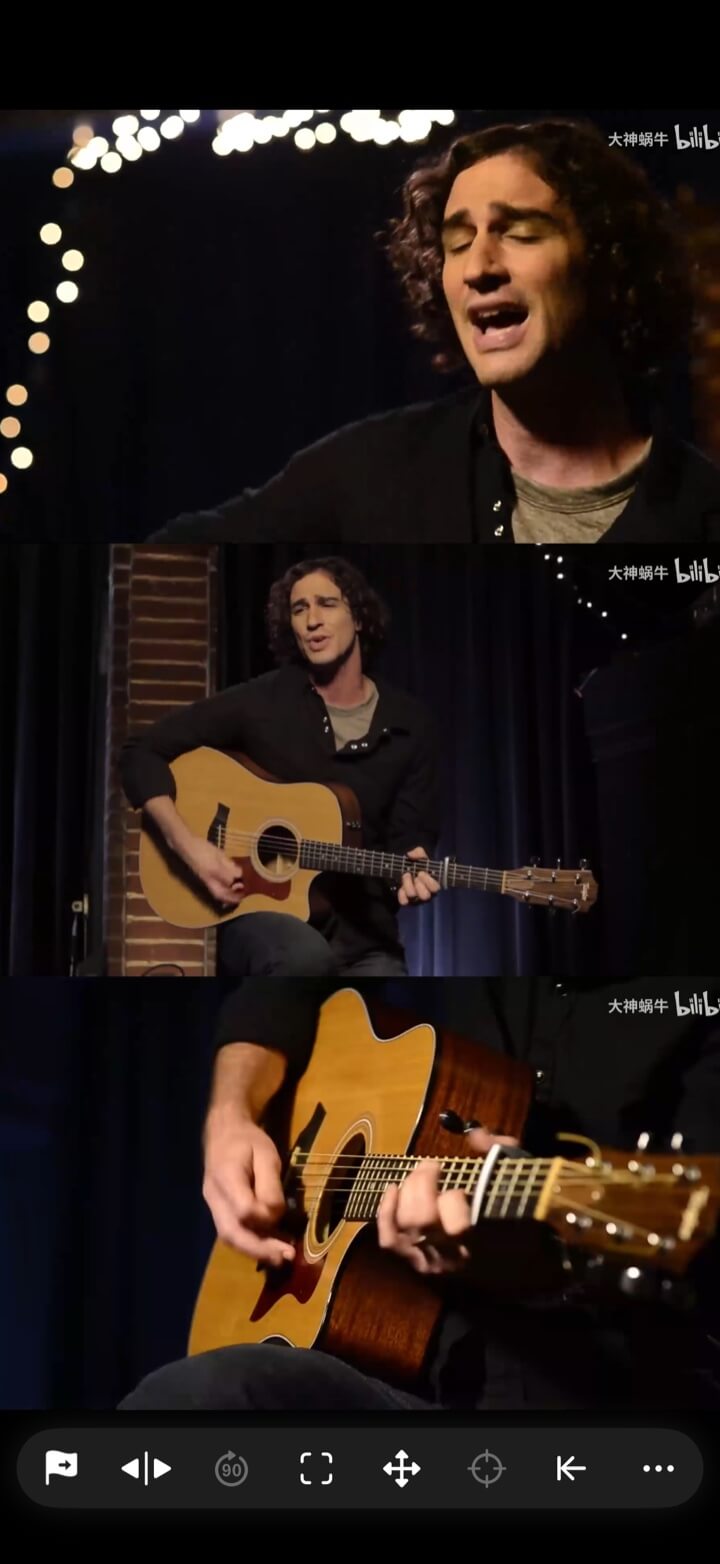
Play alternative performances, edits, or camera positions side by side.
Use case / takes & camera angles
Switching files hides continuity. A multi-view layout keeps performances, framing, timing, and edits visible at the same time.
Make decisions with every angle still in view.
Download from the App Store for iPhone and iPad with iOS / iPadOS 15 or later, or from Google Play for phones and tablets with Android 6 or later. Follow the guide for your platform.
What it gives you
Play alternative performances, edits, or camera positions side by side.
Synchronize shared action and use linked seeking to compare exact beats.
Create layouts for review, reactions, tutorials, or short-form material.
How to use it
Open selected takes, edits, camera angles, and reference clips.
Choose a layout that makes framing, timing, or performance easy to compare.
Bookmark the review workspace or render it as a single split-screen file.
Explore more
← Back to homeUse case / takes & camera angles
One timeline makes every angle easier to judge.