


144 built-in presets
Filter by 1–7 columns, portrait, landscape-right, or landscape-left, then favorite the layouts you reuse.
Multi-video playback
Most video players are designed around one file. Split Screen Player gives every clip its own view while keeping the full workspace under one set of controls.
From two references to a 36-view wall, the layout stays yours.
Download from the App Store for iPhone and iPad with iOS / iPadOS 15 or later, or from Google Play for phones and tablets with Android 6 or later. Follow the guide for your platform.
Layouts
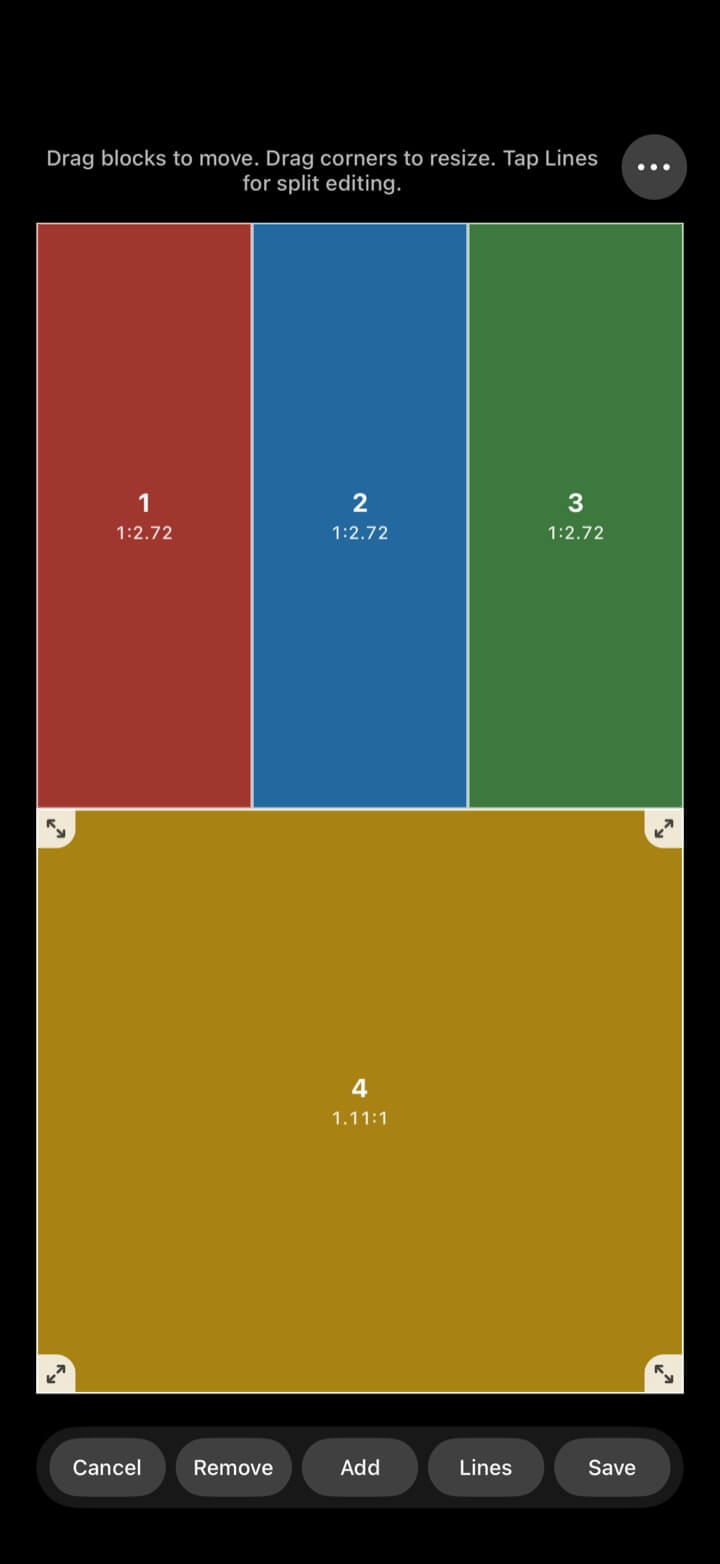
Browse presets by video count and orientation, keep favorites close, or move into the custom editor when a fixed grid is not enough.
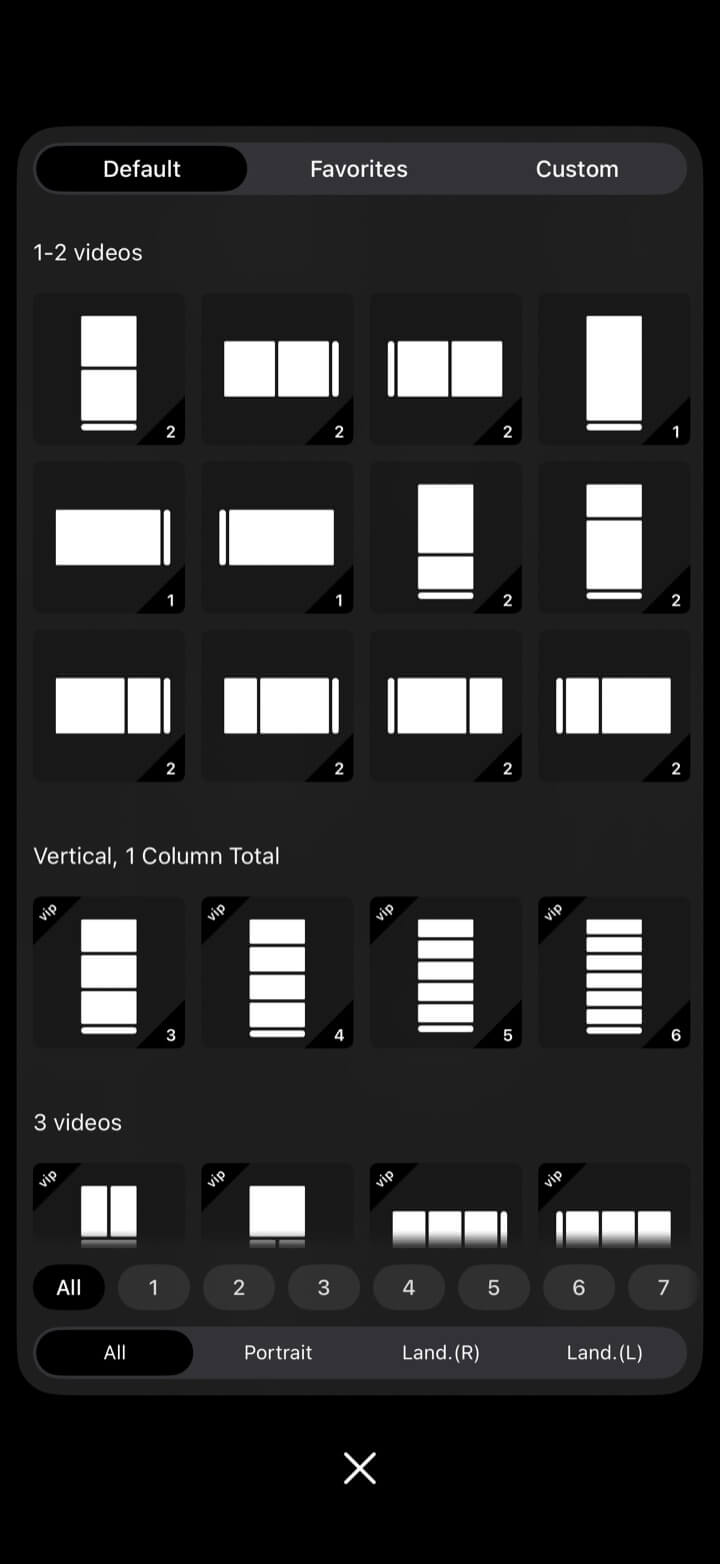
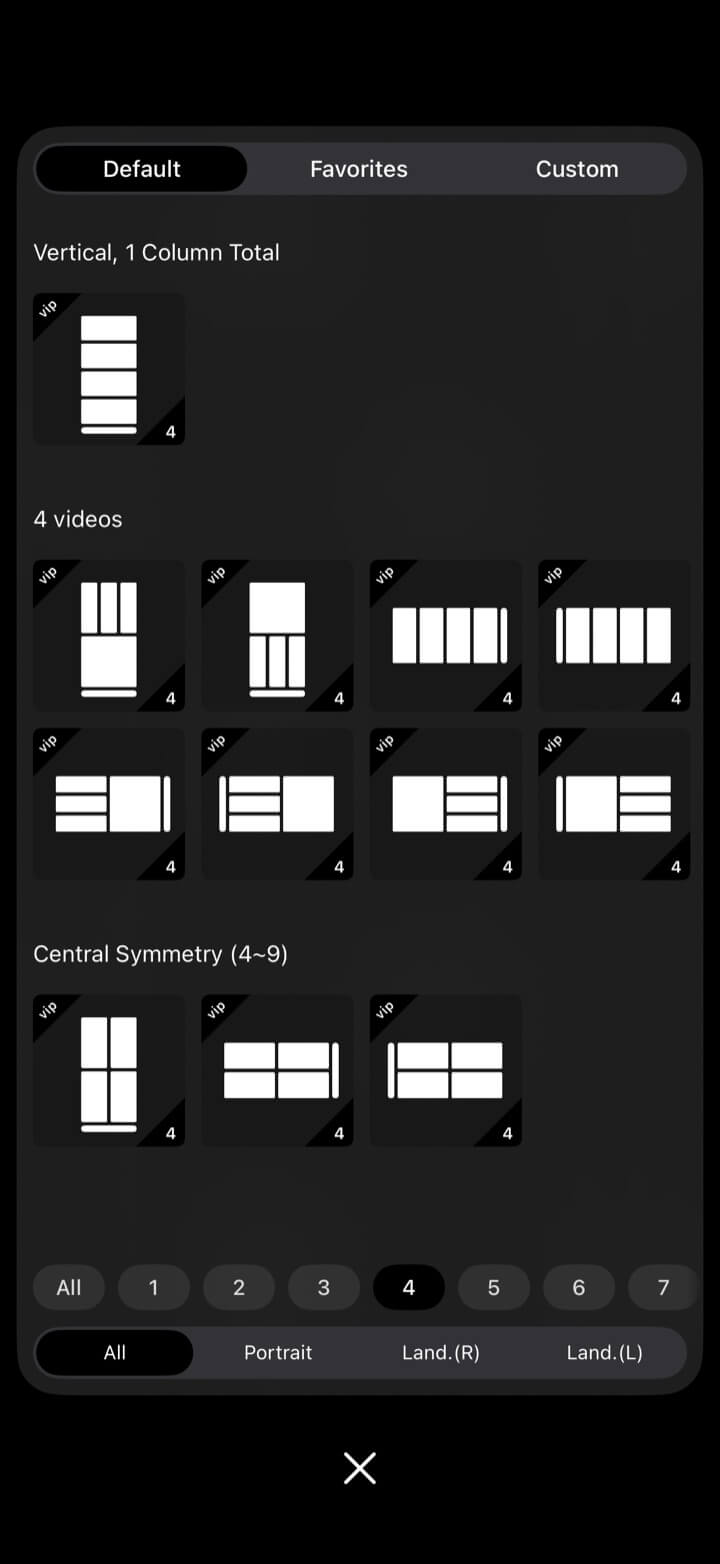
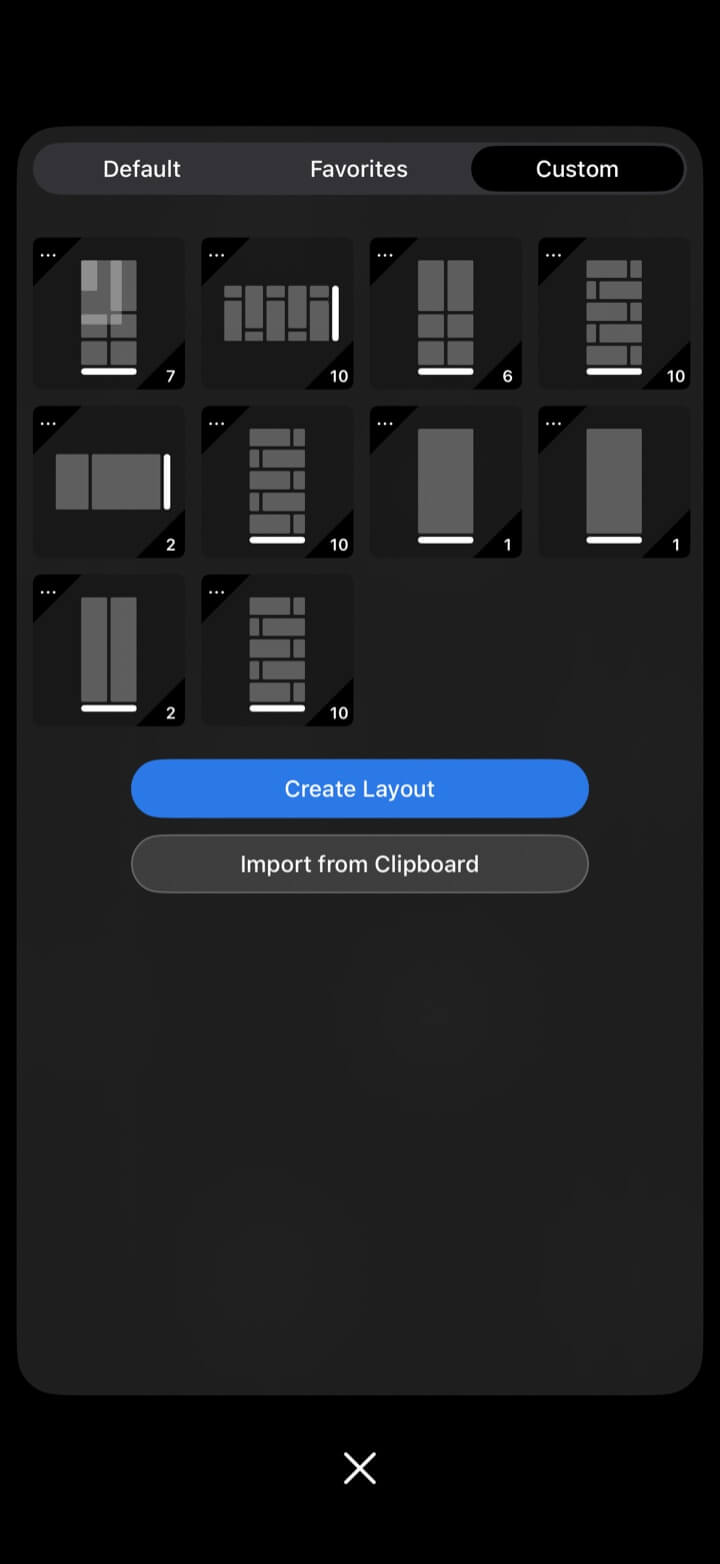
Filter by 1–7 columns, portrait, landscape-right, or landscape-left, then favorite the layouts you reuse.
Add or remove blocks, drag to move, pull corners to resize, edit split lines, and save the result.
Drag the yellow dividers in supported layouts; the adjusted dimensions are stored locally.
Import a copied layout from the clipboard without arranging it again.
iPad
The same workspace runs on iPhone and iPad. A larger iPad canvas makes dense layouts easier to monitor, while portrait and landscape templates keep every region practical.
Use a clean comparison on iPhone or build a dense monitoring wall on iPad.
Choose layouts that match the device and the orientation of the source videos.
Each cell keeps its own source, playback state, framing, audio, and checkpoints.
External display
Send the complete multi-view layout to an AirPlay or wired display. The phone or iPad remains the controller while the external screen shows the views.
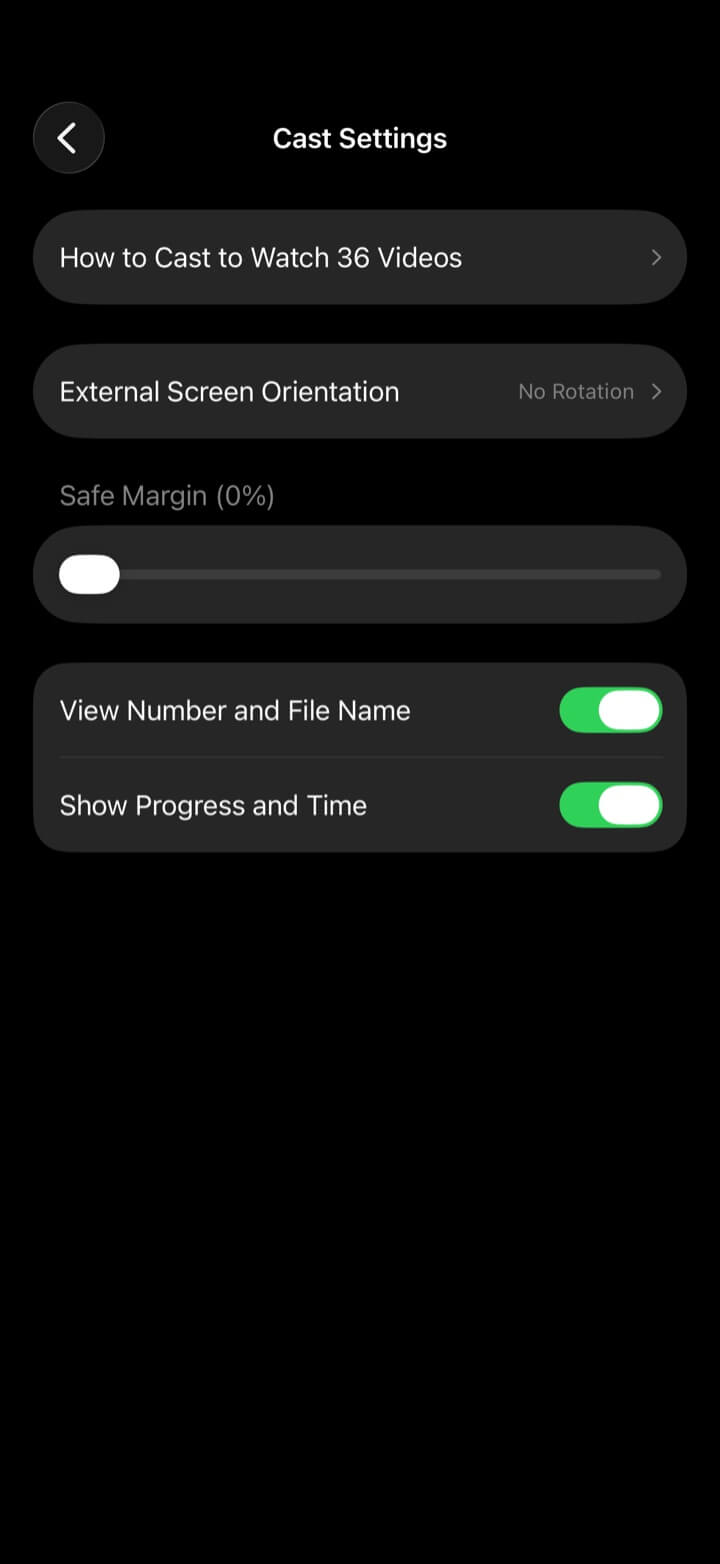
Start screen mirroring with AirPlay or connect a supported wired display.
Load the videos and choose the multi-view arrangement you want to show.
If needed, set automatic adaptation or a fixed external-screen rotation.
Adjust safe margins and choose whether to show view numbers, file names, progress, and time.
The Cast Settings screen also links to the in-app guide “How to Cast to Watch 36 Videos.”
Playback settings
Set the playback behavior that matters when many sources share one screen.
Choose forward/back amounts from seconds or percentages, show milliseconds, remember positions, and enable checkpoints.
Use the alternate player for formats such as MKV, FLV, F4V, RMVB, AVI, WebM, and WMV.
Fit or fill, remember the mode per video, rotate mismatched sources, pinch from 50% to 500%, pan, and set double-tap/swipe actions.
Start muted, control per-video volume, normalize loud sources, keep background audio, or expose mute controls.
Set long-press fast/slow rates, show frame previews, and decide when next/previous video buttons appear.
VIP tools can sample multiple segments and configure segment length or starting positions.
Single-player controls
When one source needs individual attention, open its controls for precise adjustments, then return to the full layout without losing playback state.
Play or pause, scrub the timeline, jump forward or back, and change speed.
Move to previous or next media, inspect the playlist, and replace the current source.
Mute, switch fit/fill, rotate, zoom, and reposition the active media.
Add a checkpoint, jump to the next one, or open the checkpoint list for precise review.
Use the same important actions in a movable panel that snaps to an edge and collapses when not needed.
Explore more
← Back to homeMulti-video playback
Put every clip on one screen and keep the context visible.