


Mix formats
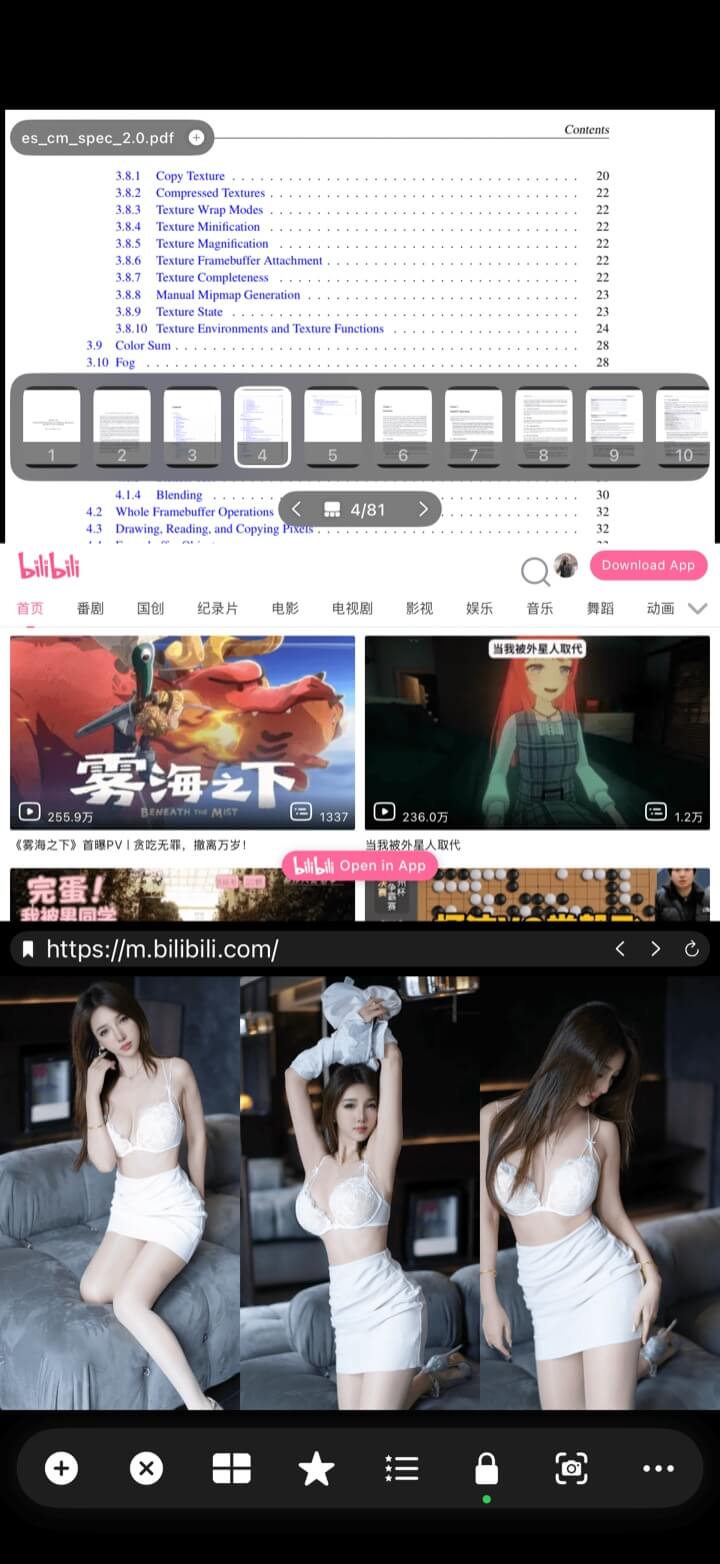
Combine local video with images, PDF documents, web pages, streams, and audio.
Use case / learning & reference
Learning breaks down when the reference disappears behind another app. Keep the demonstration, notes, source material, and your own recording visible together.
Less switching. More context.
Download from the App Store for iPhone and iPad with iOS / iPadOS 15 or later, or from Google Play for phones and tablets with Android 6 or later. Follow the guide for your platform.
What it gives you
Combine local video with images, PDF documents, web pages, streams, and audio.
Use a preset or custom arrangement that fits the lesson and device.
Save selected sources and the layout together as a reusable bookmark.
How to use it
Open the main demonstration, lecture, or reference video.
Place notes, PDFs, web references, images, or another recording beside it.
Bookmark the complete setup for the next study or practice session.
Explore more
← Back to homeUse case / learning & reference
Build one workspace for the whole lesson.