
iPhone / iPad / Android
More videos. One screen. A whole lot more fun.
Play, compare, sync, and export up to 36 videos on iPhone, iPad, or Android. Choose from 144 layouts or create your own, and keep videos, images, PDFs, and web pages together.


App Store · 4.8 ★ from 63 ratings Videos · images · PDFs · web
Watch up to 36 videos on one screen.
Play, compare, sync, and export up to 36 videos on iPhone, iPad, or Android. Choose from 144 layouts or create your own, and keep videos, images, PDFs, and web pages together.
- 2–36 videos at once
- 144 layouts + custom layouts
- Portrait and landscape
- iPhone / iPad / Android
- Screen casting support
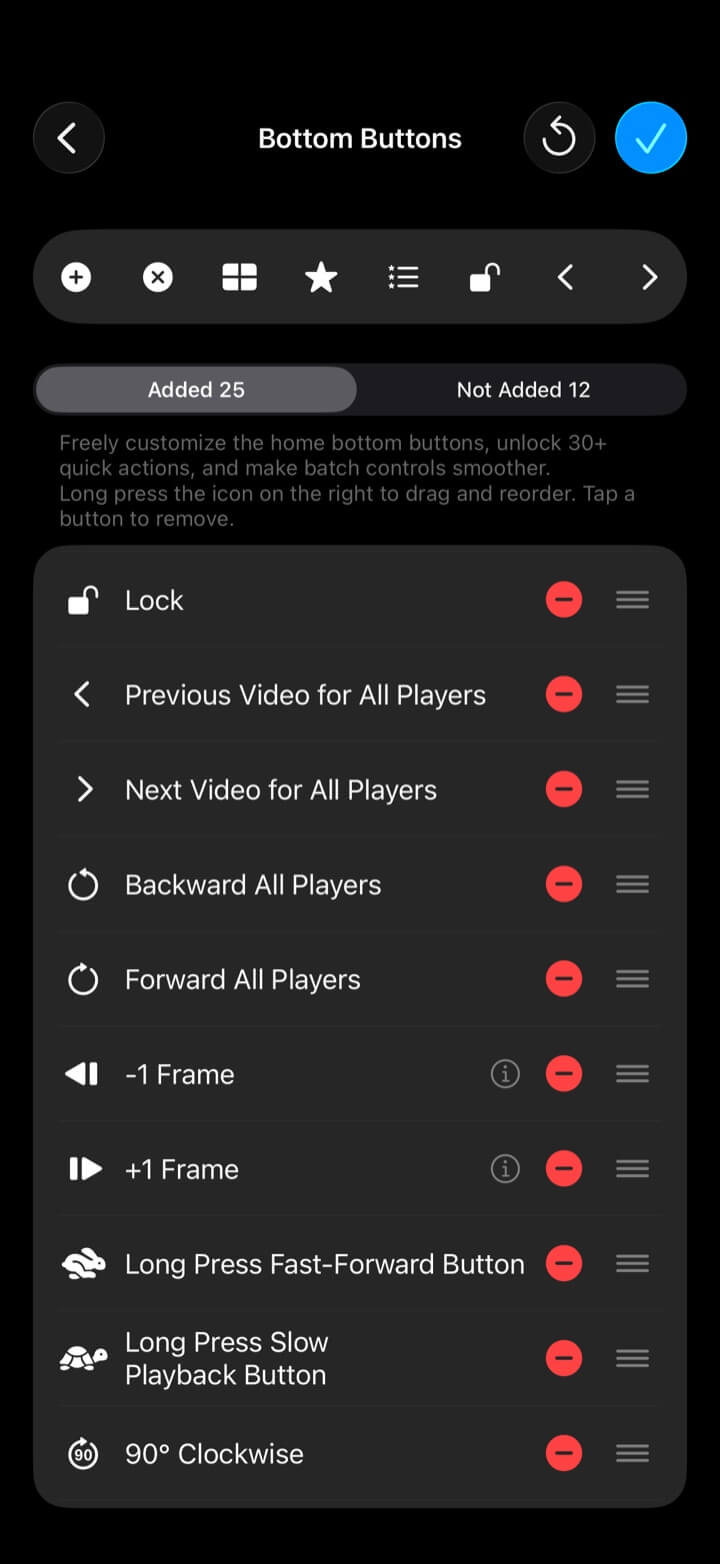
Control every video from one place.
Use global progress controls, Sync Lock, and more to change every video's progress, playback state, speed, or active video in one move. Ideal for reviewing different edits, takes, camera angles, or reference footage.
- Global progress control
- Sync Lock
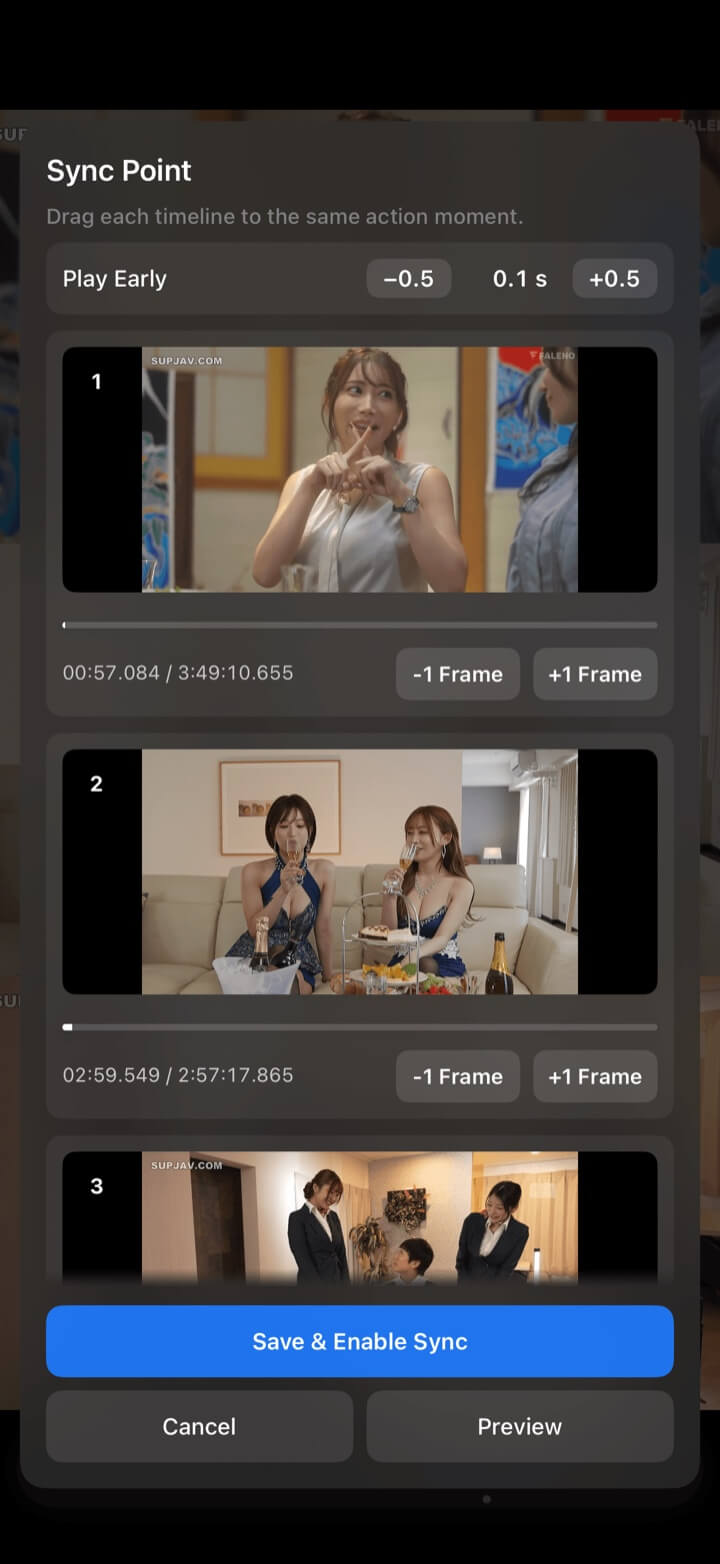
Align the action, not just the time.
Use Sync Point and continuous sync correction to keep different videos anchored to the same movement. Ideal for comparing sports, dance, fitness, lessons, and more.
- Sync Point
- Continuous sync correction
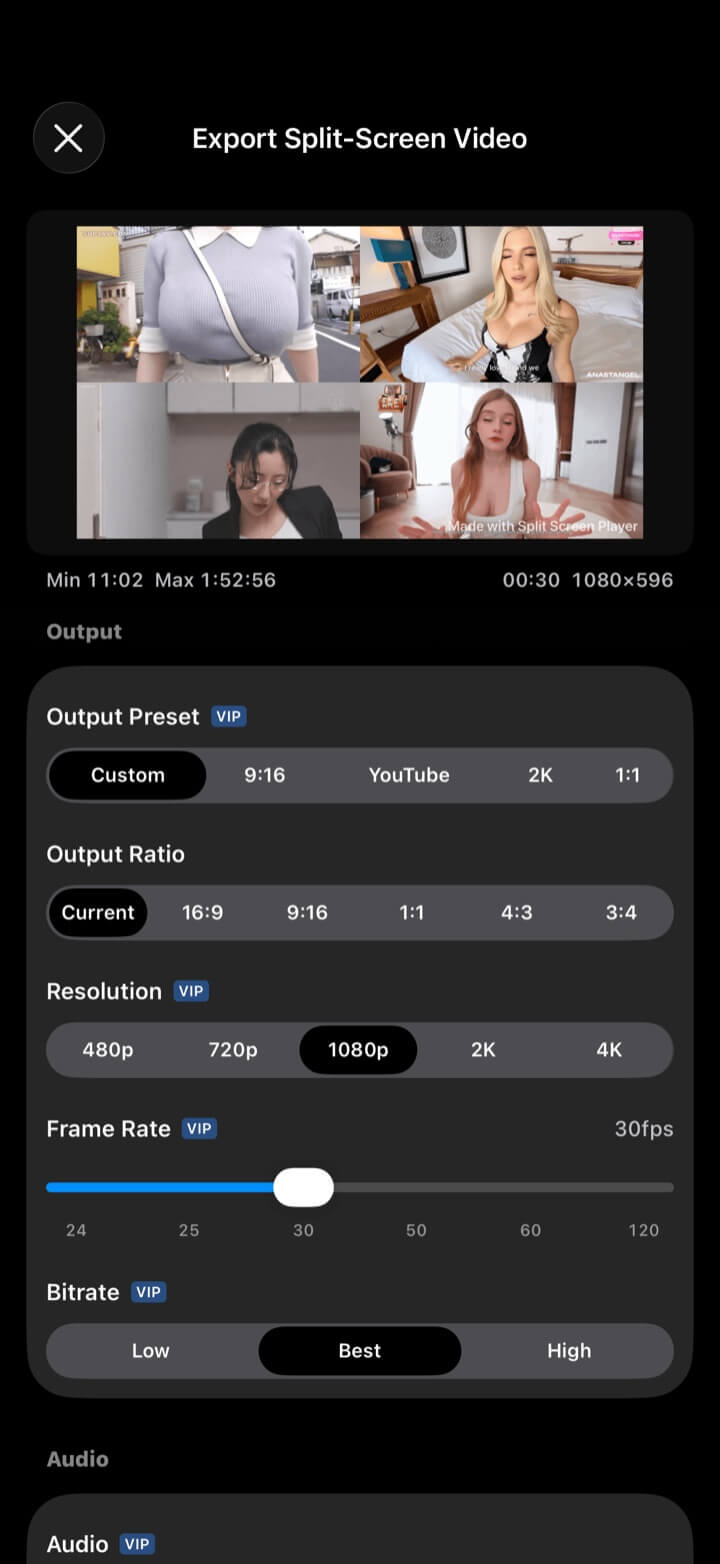
Turn many views into one finished video.
Combine the multi-video playback on screen into a single video, with control over framing, resolution, frame rate, bitrate, borders, background, watermark, BGM, and audio sources. Ideal for comparison videos, tutorials, reaction videos, or short-form content.
- Multiple aspect ratios
- Per-clip trim and speed
- Audio mix + BGM
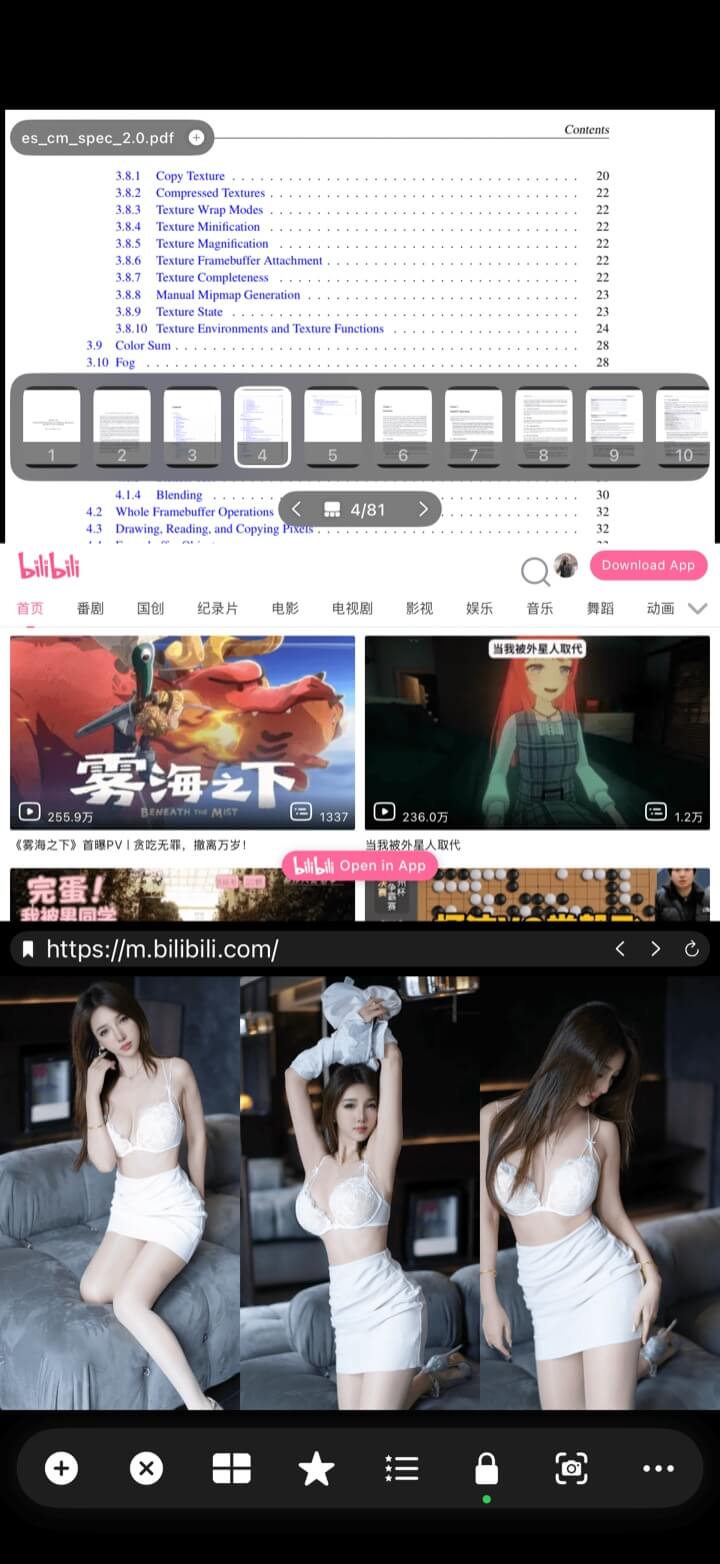
More than video. A multitasking workspace.
Both versions open local media, web pages, and HLS / M3U8 / RTSP links. IPTV channel lists, Xtream Codes, and web video downloads are currently available on iPhone and iPad.
- IPTV + Xtream Codes · iPhone / iPad
- HLS / M3U8 / RTSP
- Images, web pages, PDFs, and music
Built for comparison
When one view leaves something out.
Split Screen Player is useful anywhere timing, angle, or context changes what you see.
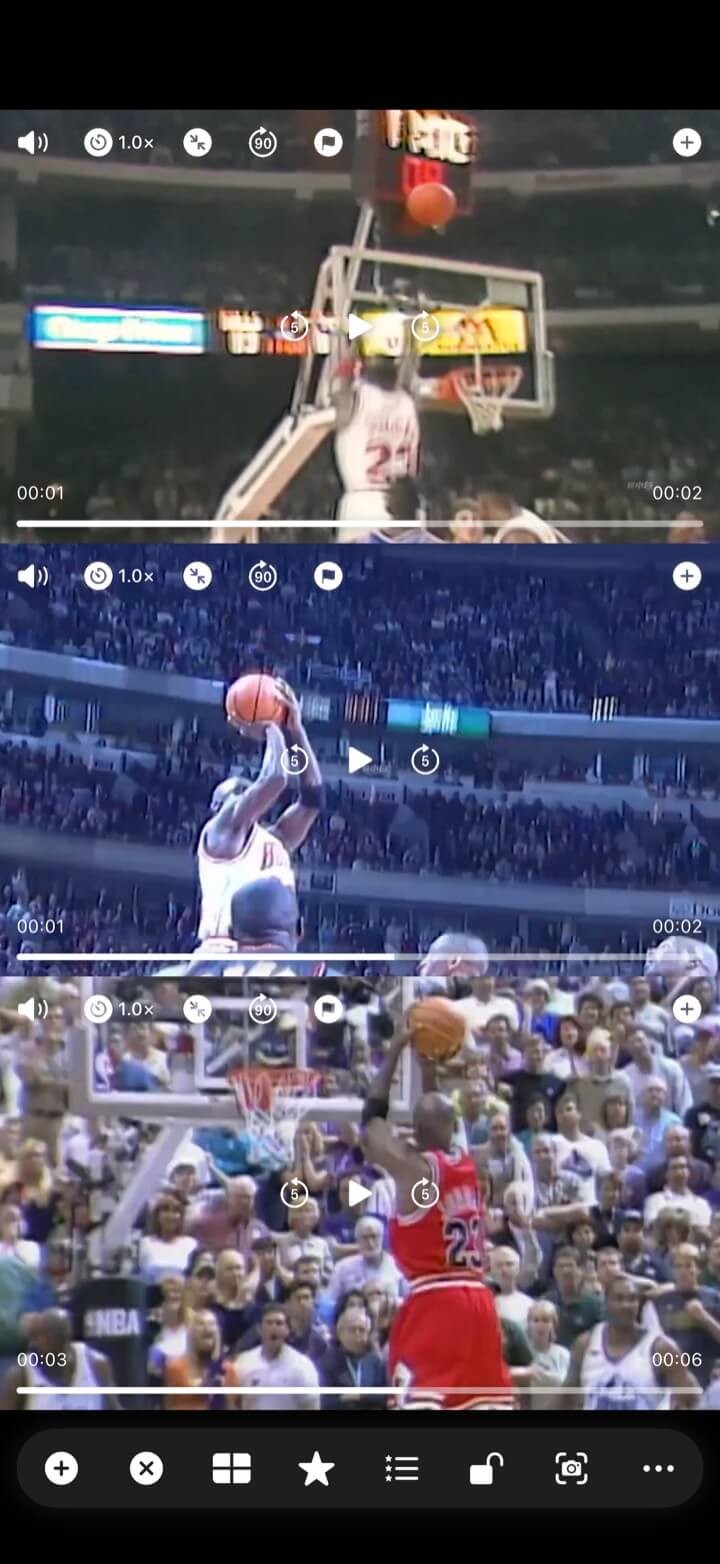
01
Sports & motion
Compare form, timing, posture, or technique from multiple sessions and angles.
Explore sports video comparison
02
Takes & camera angles
Review edits, performances, references, and multi-camera footage on one timeline.
Explore multi-camera review 03
Learning & reference
Keep a lesson, source video, PDF, image, and web page visible together.
Explore split-screen learningPractical guides
Split-screen guides for iPhone, iPad, and Android
Choose the guide for your device. Start with multiple videos, then explore browsing two websites, watching a video beside a web page, synchronization, and split-screen export.
View all guidesMulti-video playback · Split screen
How to play multiple videos at once on iPhone or iPad
Compare two clips without switching players, stack three videos in portrait, or watch four camera angles in a landscape grid. Split Screen Player keeps each video visible and independently playable on iPhone and iPad.
Multi-video playback · Split screen
How to play multiple videos at once on an Android phone or tablet
Compare two clips without switching players, stack three videos in portrait, or watch four camera angles in a landscape grid. Split Screen Player keeps each picture visible on an Android phone or tablet.
Sync playback · Sync points
How to sync videos with different start times on iPhone or iPad
Compare recordings that begin at different times by matching a visible event in each clip, such as the start of a golf swing.
Frame stepping · Sports analysis
How to compare sports videos frame by frame on iPhone or iPad
Pause two golf recordings and inspect each player independently, without repeatedly scrubbing past the useful moment.
Feature comparison
Multi-video playback, sync, and export at a glance.
| Feature | System Picture in Picture | Video editor | Split Screen Player |
|---|---|---|---|
| 2–36 views together | Up to 2 | Partial | Supported |
| Live synchronized playback | Not supported | Not supported | Supported |
| Frame-level comparison | Manual | Supported | Supported |
| Custom multi-view layouts | Not supported | Supported | Supported |
| Instant split-screen export | Not supported | Supported | Supported |
| Streams, PDFs, and web pages | Partial | Supported | Supported |
“Partial” and “Manual” describe common ways to use these features. Support varies by app.
FAQ
Before you try multi-video playback,
a few common questions.
Which phones and tablets are supported?
How many videos can I play at once?
Can I export the split-screen view as one video?
Does it support IPTV or live streams?
Is Split Screen Player free?
Can I use it offline?
Your multi-view workspace starts here
See the whole moment.
Play, compare, sync, and export up to 36 videos on iPhone, iPad, or Android. Choose from 144 layouts or create your own, and keep videos, images, PDFs, and web pages together.