
Open the first YouTube page and start playback. Tap Mini Player, choose the matching detected video, and let it open in the empty region. Then open and play the second YouTube URL in the original web region.
Open the first YouTube video
Choose a two-region layout. In the upper region, tap + → Web/Stream and open the first YouTube watch-page URL as Webpage. Start playback in the page; the lower region should remain empty.
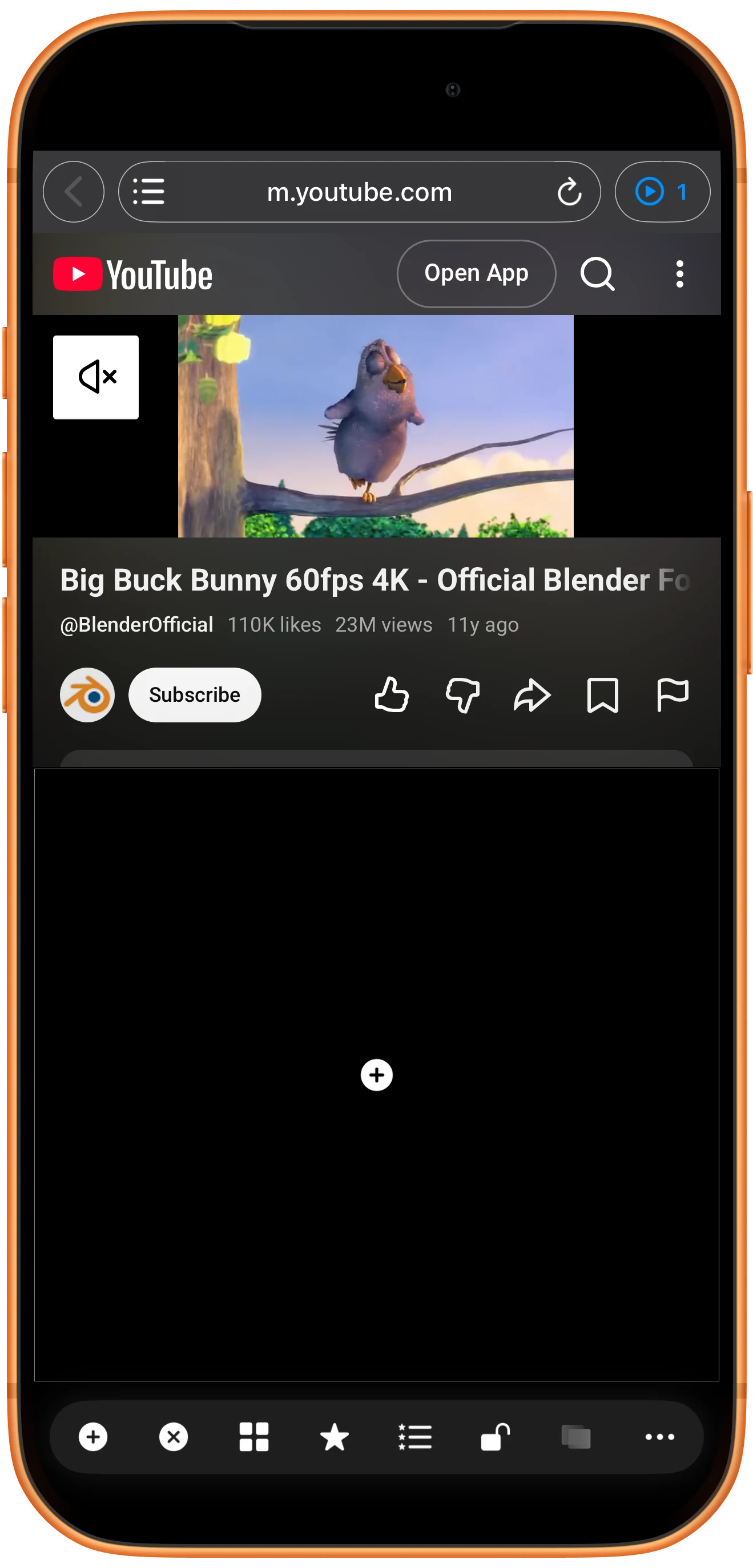
Inspect the detected video
Tap Mini Player beside the web address. Its number is the detected count. Match the title, duration and dimensions before choosing an item; detection alone does not guarantee playback.
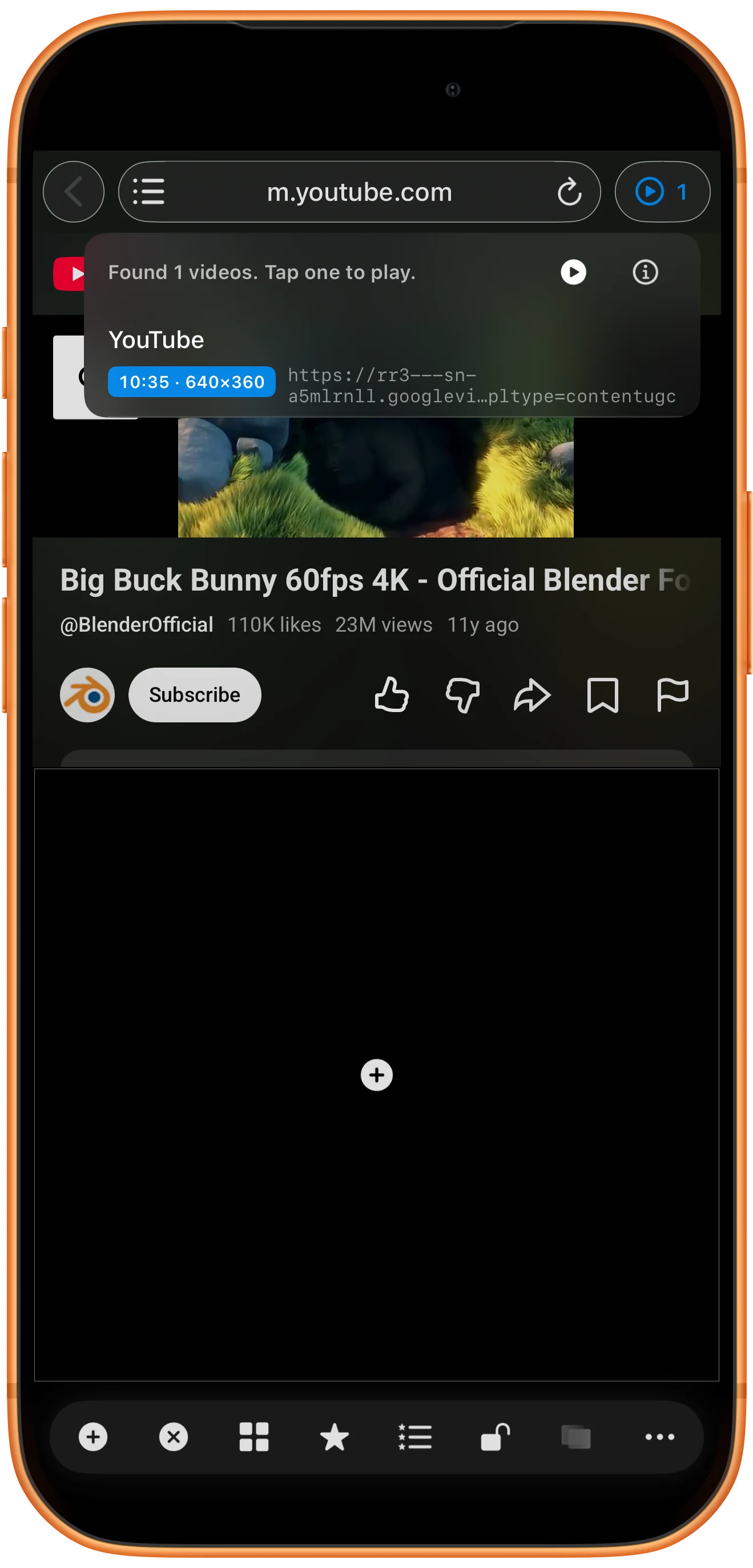
Open it in another region
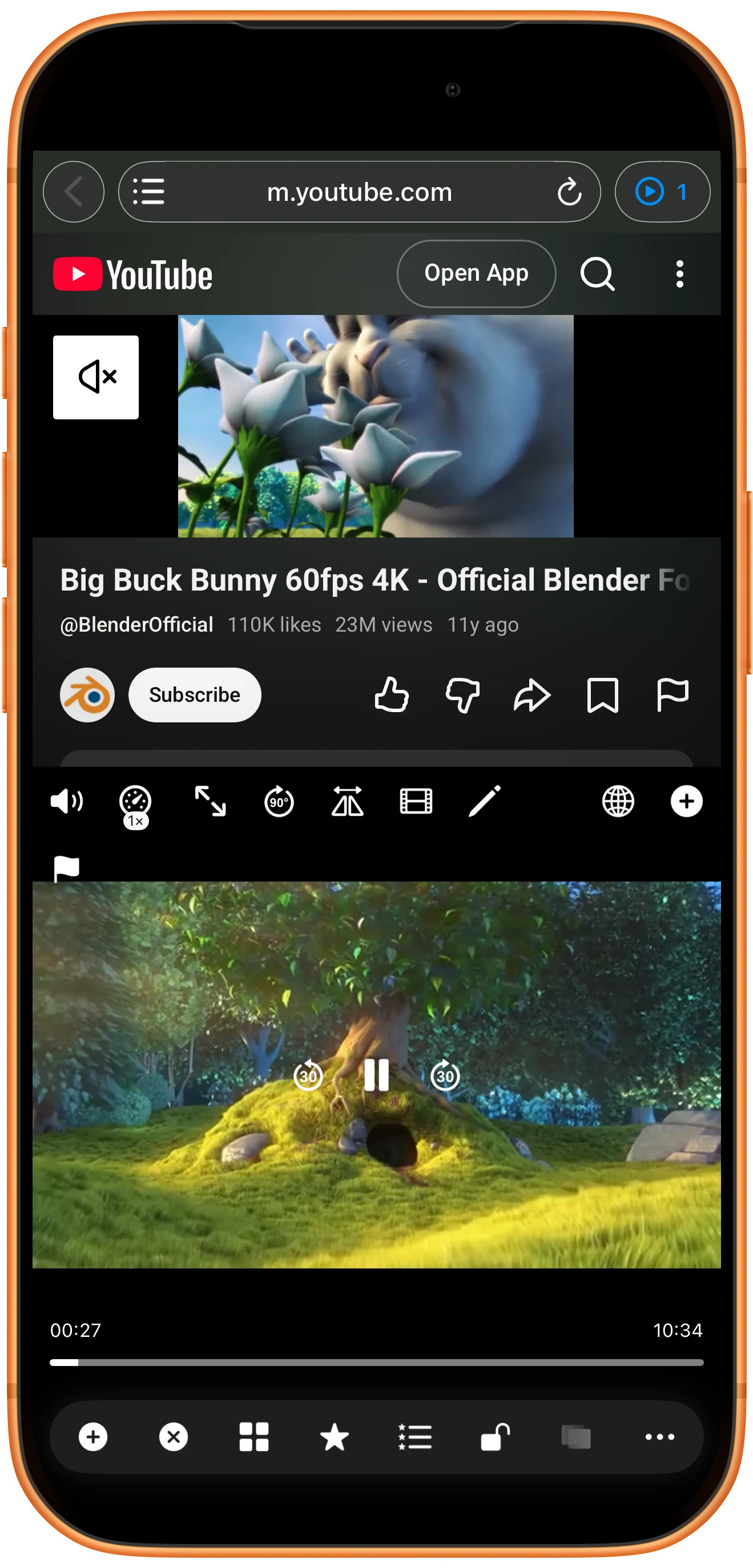
Tap the matching item. An empty region receives the video automatically. If none is empty, Choose Playback Location asks which region’s current content to replace.
Play a different video in the webpage
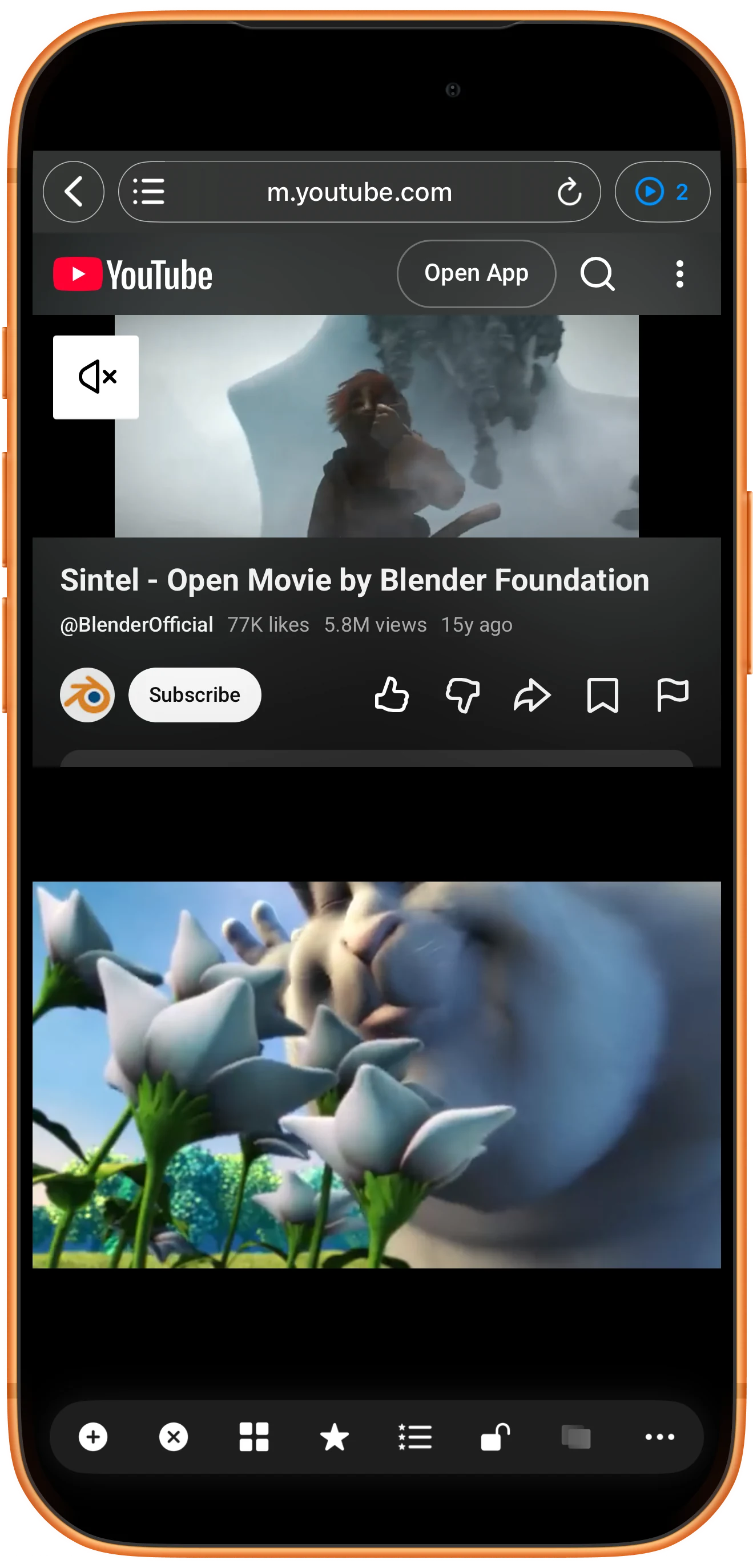
Keep the transferred video in the lower player. Tap the upper region’s web address → Web/Stream and enter the second YouTube watch URL. Play it in the page. In the example, Sintel plays above while Big Buck Bunny continues below.
More possibilities
Useful details
Check these details as you follow the steps.
The source must remain playable
Expiring media addresses, authentication, content protection and server behavior can prevent playback. Return to the source page and start the video again before retrying. This feature does not grant access to restricted content.
Keep one audio source
Mute the webpage or the independent player if both produce sound. The two playheads are independent; use compatible local files and Sync Point for precise comparison.
Frequently asked questions
Why is Mini Player empty?
Start a video in the page and check again. Some sites do not expose a compatible source. A detected entry may also be an advertisement rather than the video you wanted.
Why not just open two YouTube webpages?
The app warns about simultaneous playback in multiple web regions on iOS. This workflow moves the first video into an independent player and leaves only the second in a webpage. It still depends on source compatibility.
Split Screen Player
Try this with your own media
Open Split Screen Player and follow the steps with files you want to use.

