
Open Split Screen Player on Android, choose a layout with two regions, and open a local video in one region and a URL through “Web/stream” in the other. Both stay visible on the same screen.
Choose a layout with two regions
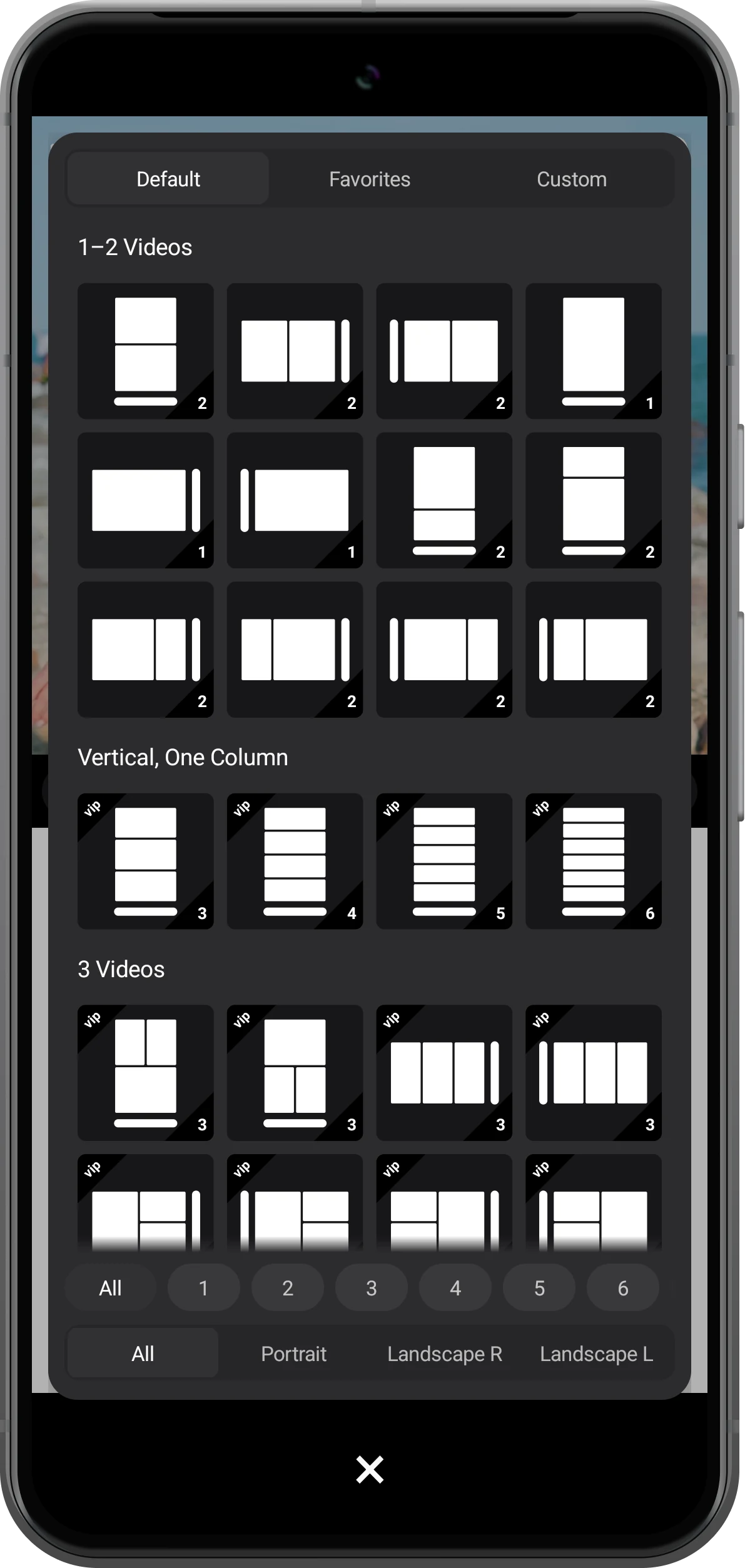
Open the layout picker in the toolbar and choose the highlighted layout with two stacked regions. In portrait, each region keeps the width of the phone for easier reading.
Choose a landscape layout for a side-by-side view. On a tablet, “Custom” also lets you give the page you are reading more room.
Open a video in the upper region
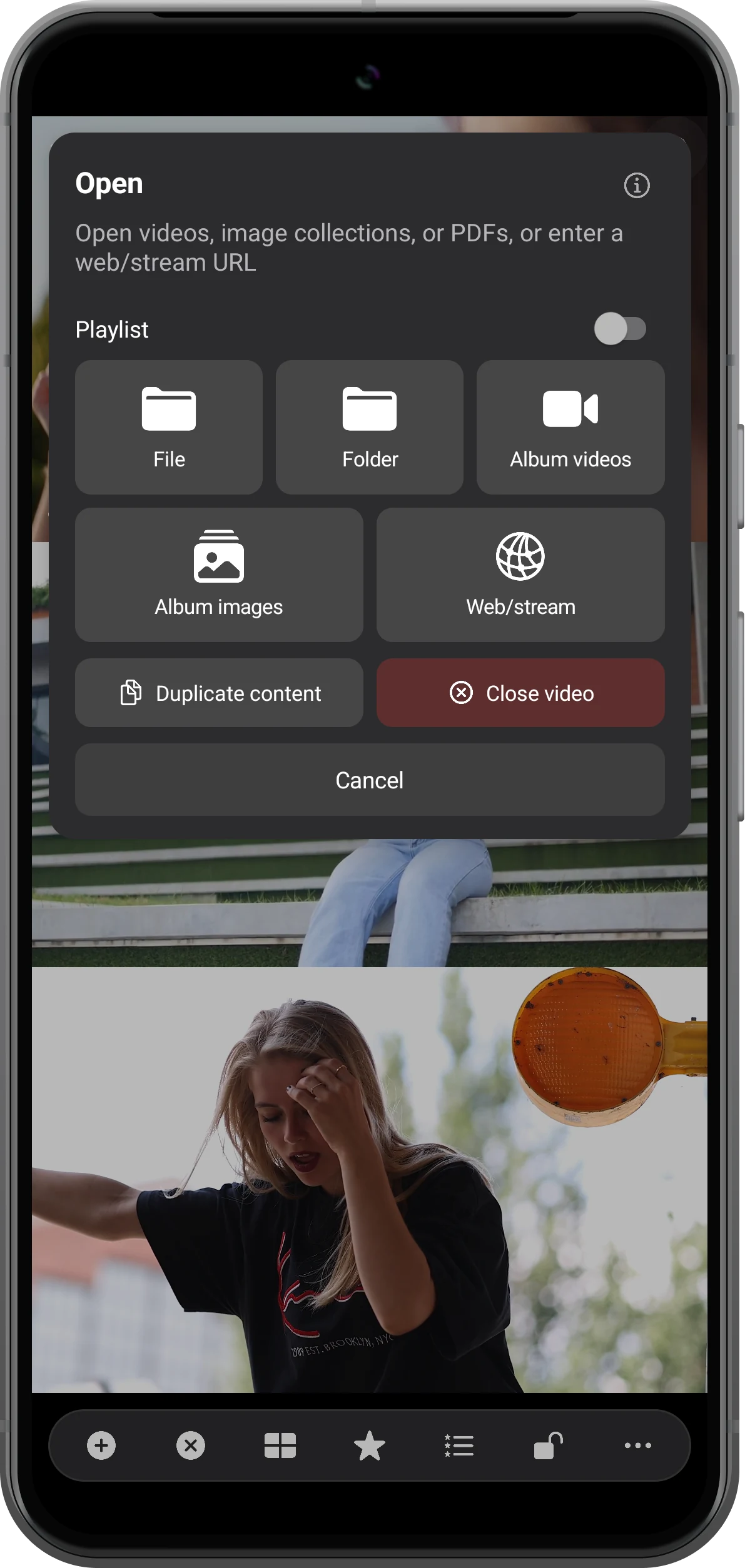
Tap the plus button in the upper region and choose “Album videos” to open a video. Use “File” for a video saved in a local folder.
This works well for a saved lesson, a practice recording, or a travel clip: keep the video visible while looking up a reference below.
Open a web page in the lower region
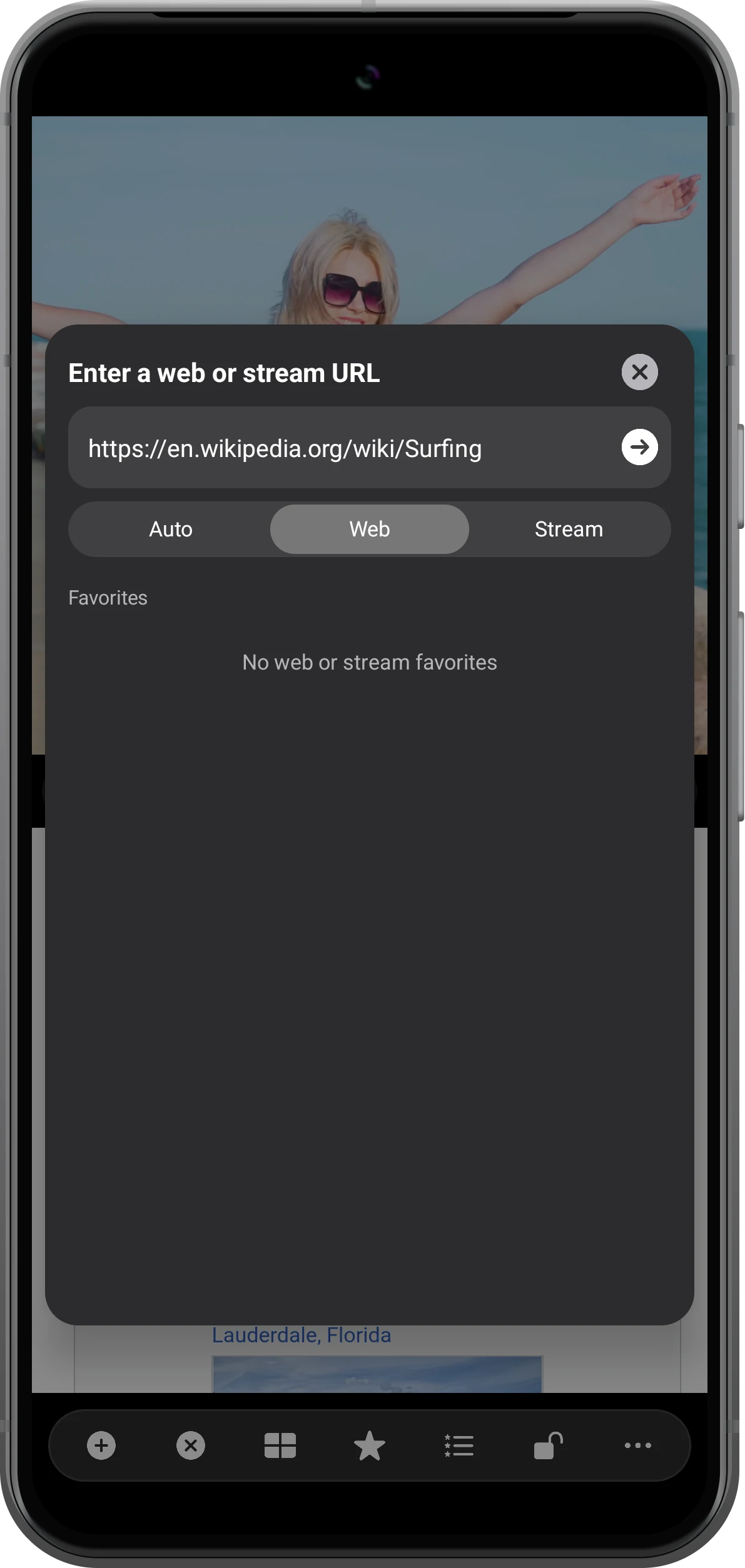
Tap the plus button in the lower region, choose “Web/stream”, and enter the page URL. Select “Web” and tap the arrow to open it.
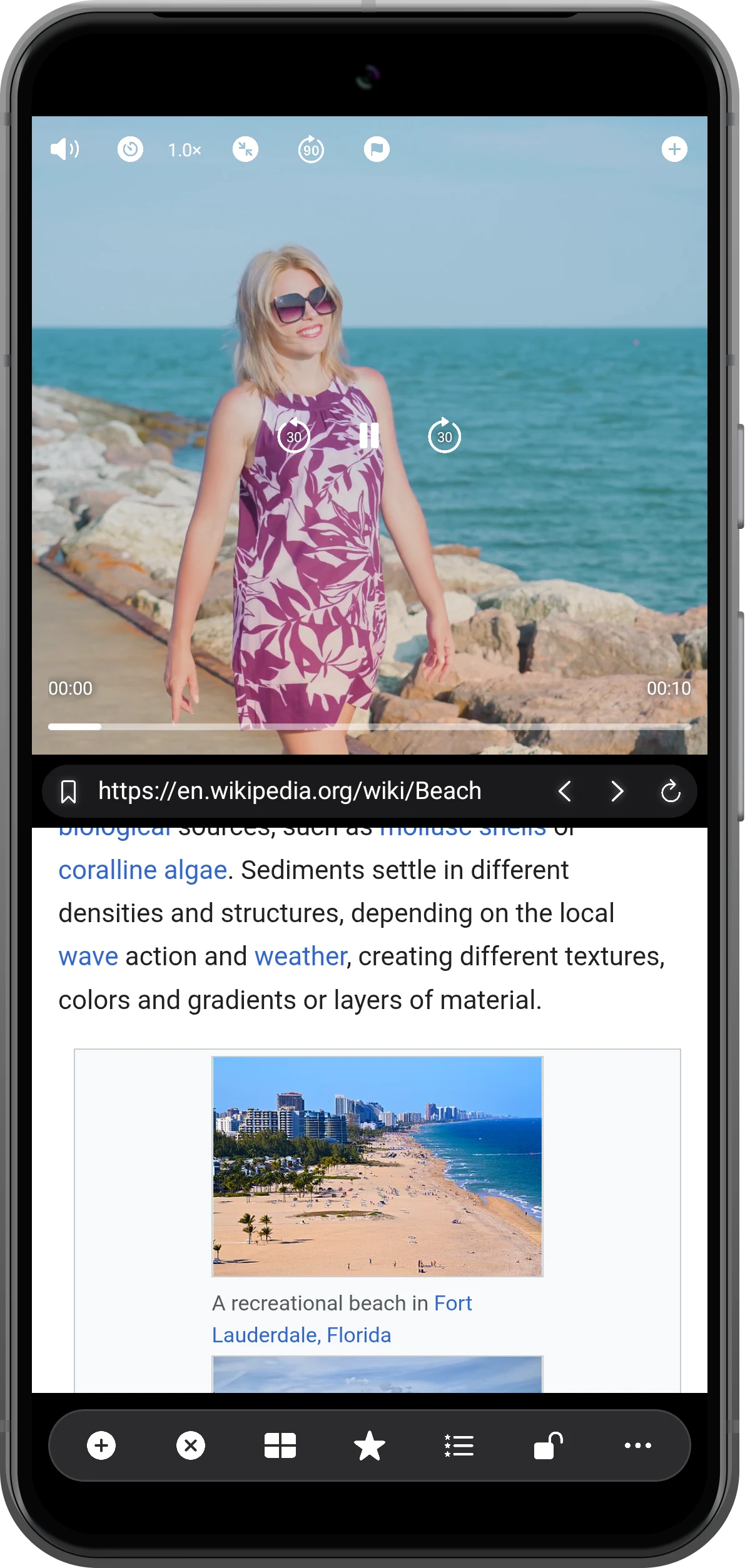
Open lesson notes, a tutorial, an article, or a search results page. The video and page each have their own region, so you can read while the player stays visible.
Play the video while reading the page
Tap the video to show its controls, then press play. Scroll inside the web region as you read; tap the video again whenever you need to pause or change its sound.
Use “Bookmark” in the toolbar to save this combination, then reopen it from “Bookmarks” later.
More possibilities
Make the layout work for what you are doing
Split Screen Player can also open videos, images, PDFs, and audio in separate regions. Choose a layout that gives each source enough room.
Give each page the space it needs
There are 144 built-in layouts with up to 36 regions. Two regions are usually a comfortable starting point for reading; “Custom” lets you adjust their positions and sizes.
Replace the video with another page
When you need two online references, open another web page in the video region.
See the tutorialWatch and compare multiple videos
Use every region for video when you want to compare clips: three stacked rows in portrait or a four-video grid in landscape, with separate sound controls.
See the multi-video guideFrequently asked questions
Does this open two separate apps?
The regions open web pages or media inside Split Screen Player. You can browse two sites or combine a local video with a web page; these regions do not embed the interfaces of other apps.
Can videos in two web pages play at the same time?
Web players depend on the site’s playback rules, autoplay settings, and content protection. Simultaneous playback across two websites is not guaranteed. Use a multi-video layout for several local files instead.
Can I browse sites that require a login?
Login and browsing depend on the site’s support for an in-app browser. Some services require their own app or the system browser. Split-screen viewing does not bypass a site’s login, subscription, or content protection requirements.
Does web browsing require VIP?
Web browsing is a VIP feature, and layouts marked VIP also require a paid plan. The app is free to download; see the in-app offer for current features and pricing.
Can I use it offline?
Videos, images, and PDFs already saved on your device can open offline. Web pages normally need an internet connection; offline availability depends on the page.
Split Screen Player
Keep your video and reference together
Download Split Screen Player, choose a two-region layout, and try it with the content you want to keep in view.

