
Pause a video and tap its filmstrip button to enable frame controls. Use the arrows beside Play to step through the action; repeat in the other pane to compare poses.
Pause and enable frame controls
Tap a video to reveal its controls, pause it, and tap the filmstrip icon. The time readout shows milliseconds, and the buttons beside Play become frame controls.
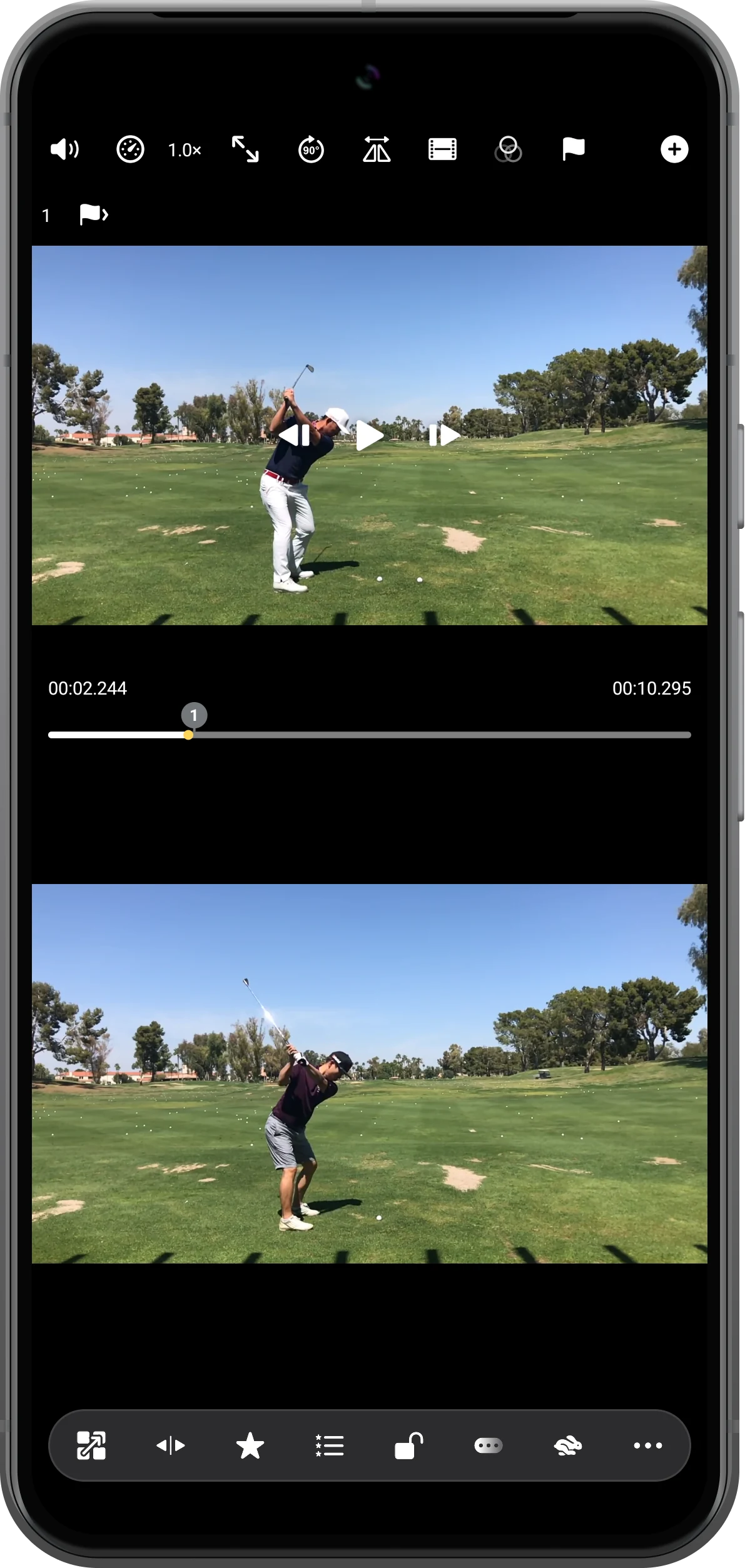
Advance the action one frame
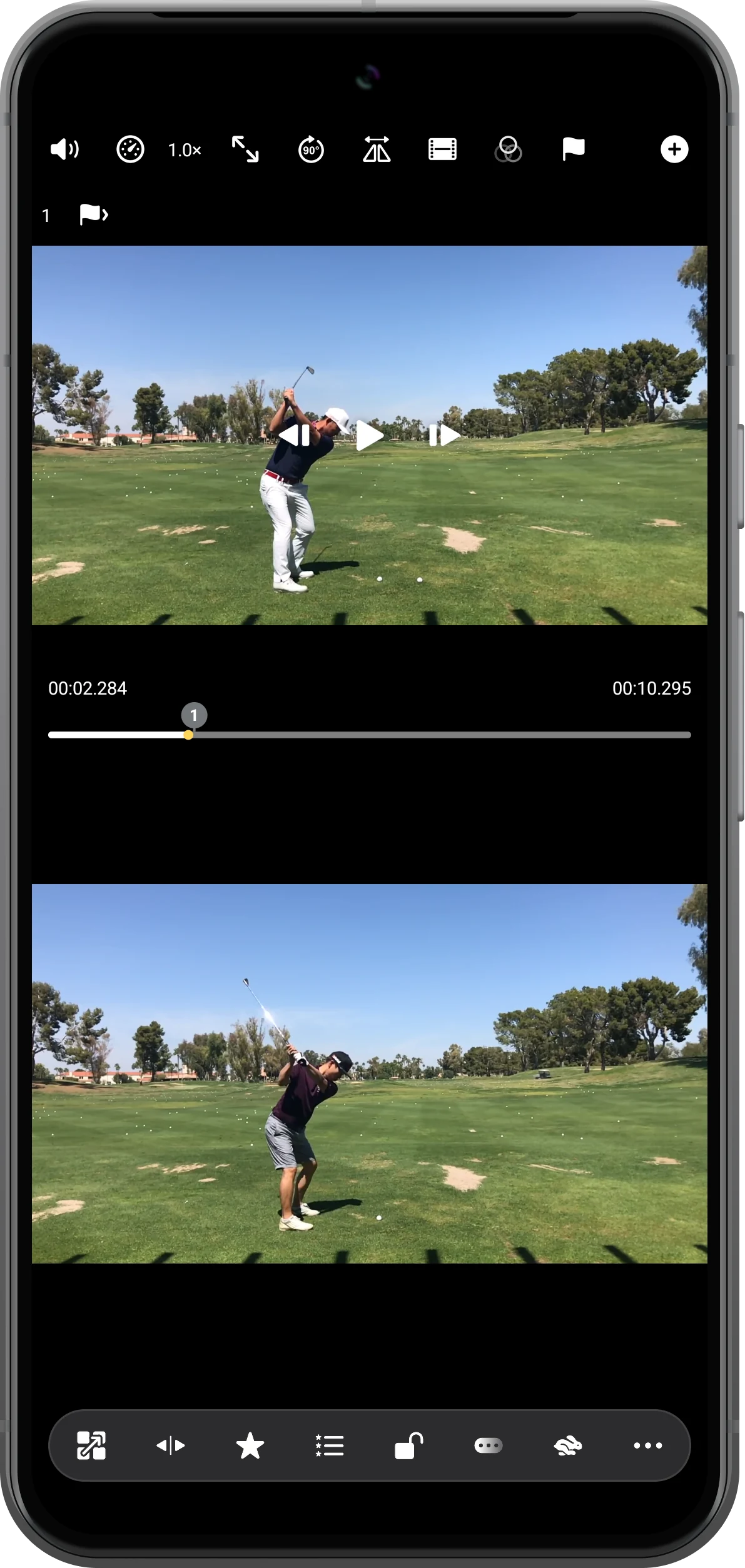
Tap the right frame button once. In this clip the displayed position changes to 00:02.284. Step through each pane separately to compare the same stage of the movement.
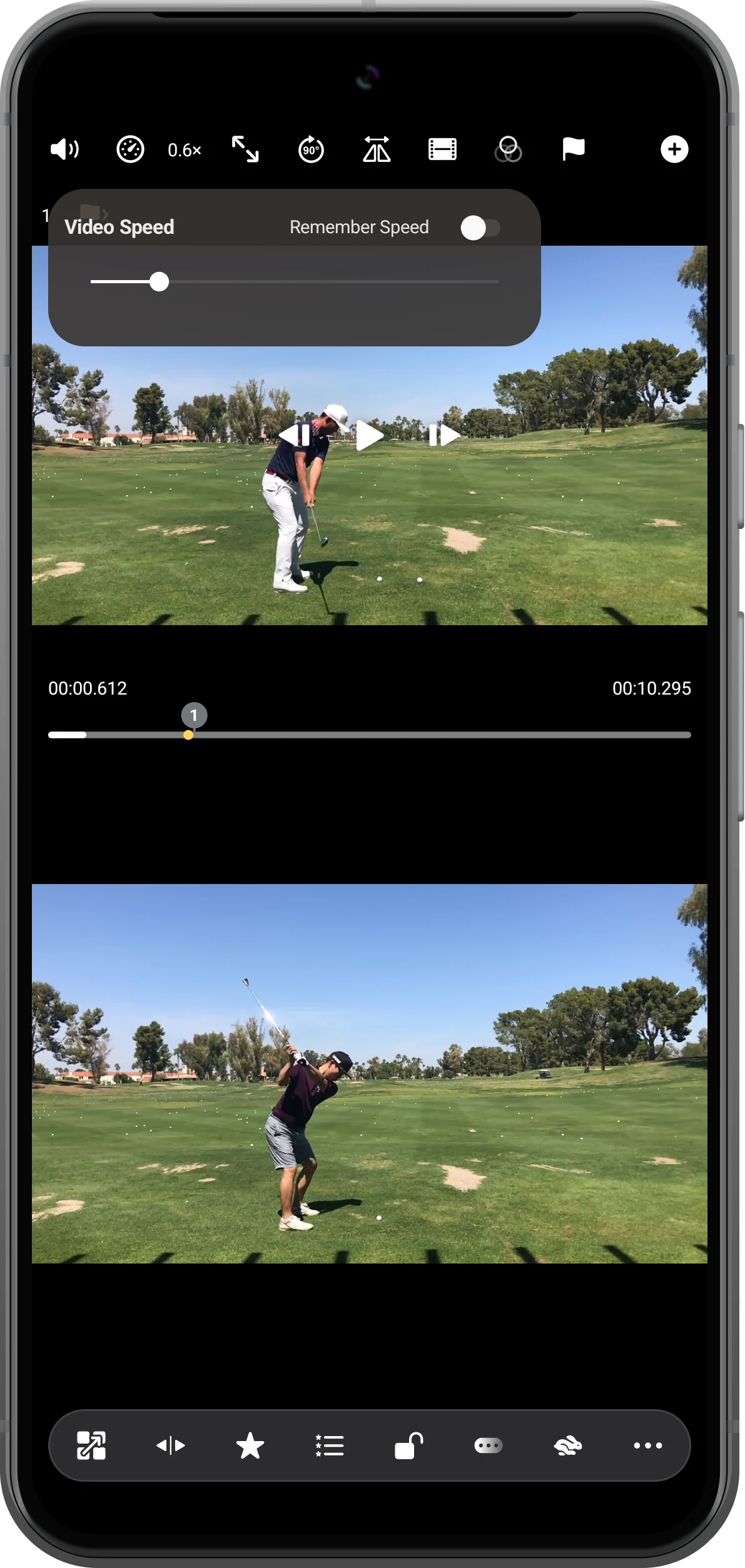
Watch the surrounding movement slowly
Tap the speed value and lower Video Speed, for example to 0.6×. Resume playback to see how the pose develops, then pause again for closer inspection.
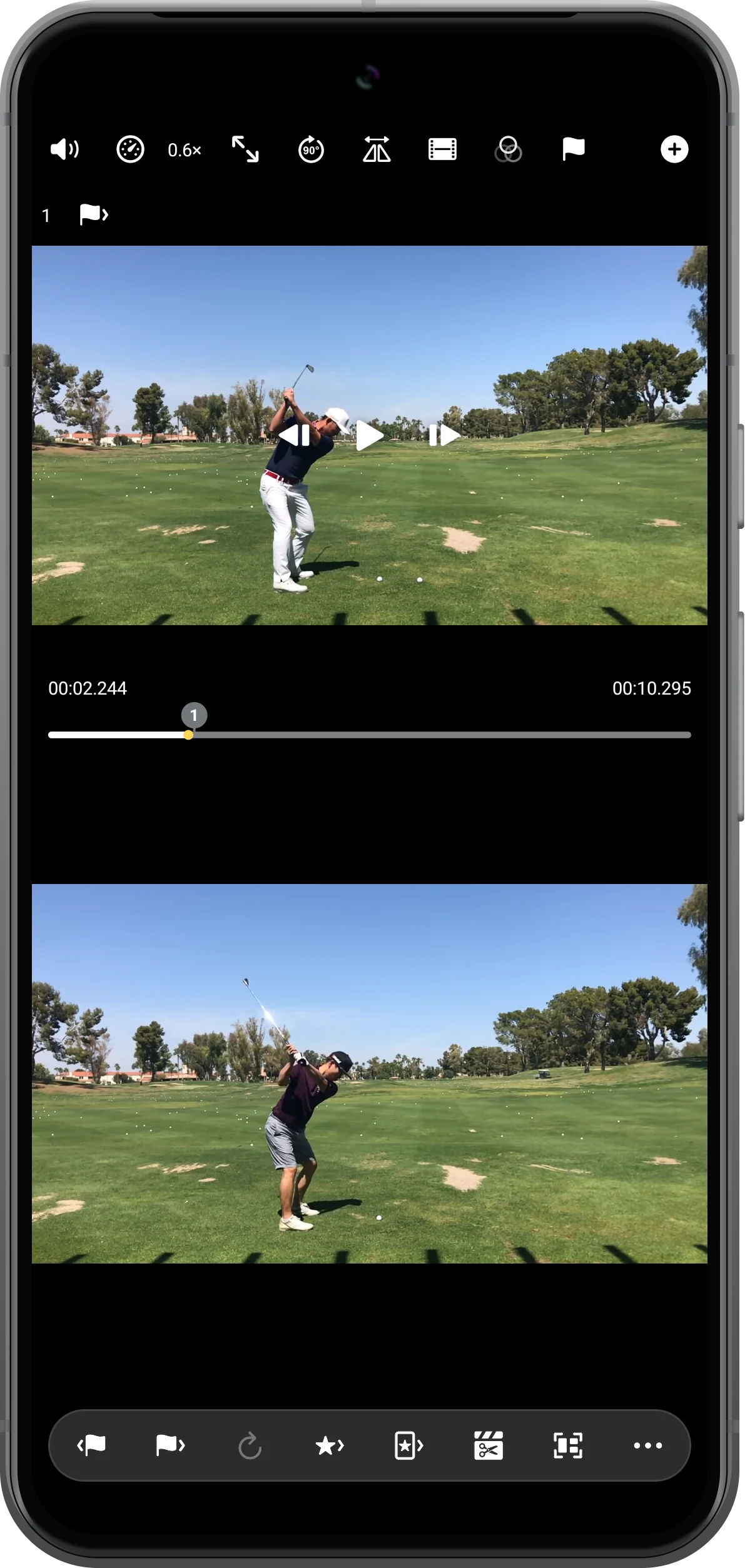
Return to a useful checkpoint
For repeated review, save a checkpoint with the flag button before moving away. Open the checkpoint list from its count and select the saved entry to return to that moment.
More possibilities
Useful details
Check these details as you follow the steps.
Use comparable moments
Equal elapsed times do not necessarily show the same action. If the recordings start at different times, set synchronization points before reviewing them together.
Treat the readout as a clip-specific result
Frame intervals depend on the video. The 40 ms change shown here is an observation from this file, not a fixed interval for every recording.
Frequently asked questions
Does slow motion create new frames?
No. Slower playback helps you inspect the recorded movement; it does not add detail that was absent from the original video.
Why did the frame arrows change after pressing Play?
Frame inspection is a paused-video operation. Pause again and enable the filmstrip control if you need to continue stepping.
Split Screen Player
Try this with your own media
Open Split Screen Player and follow the steps with files you want to use.

